

A Budget App With No Bank Login: How to Track Money Privately
Why many people won't give a budgeting app their bank password, what you lose without bank sync, and how to keep a complete budget privately on iPhone.
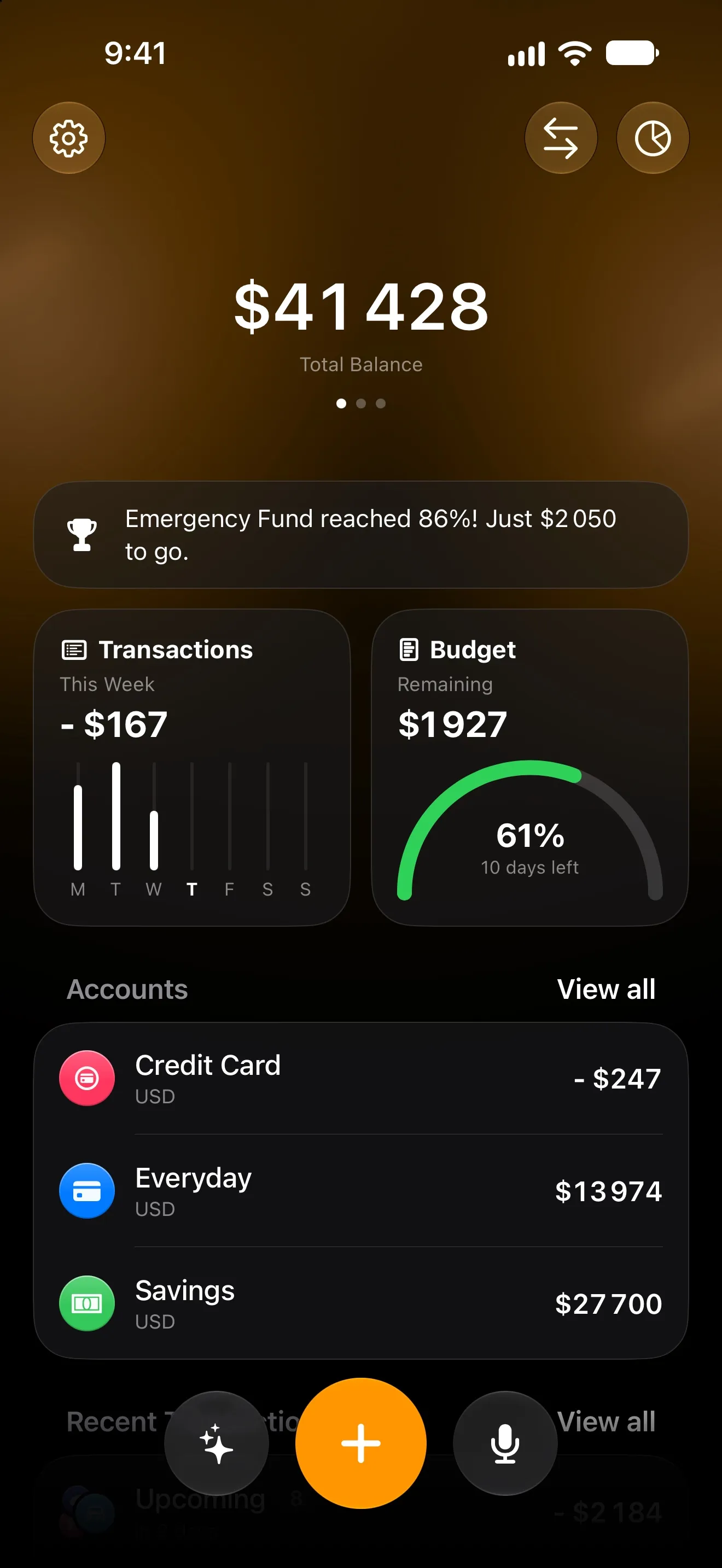
Plenty of budgeting apps start the same way: “Connect your bank.” For a lot of people, that is where they stop. Handing an app the keys to your bank account is a big ask for a tool whose job is to add up coffee.
You don’t have to. Here is what bank sync really asks for, what you give up without it, and how to keep a complete budget privately on your iPhone.
What “connect your bank” really means
Most budgeting apps don’t talk to your bank themselves. They use a data aggregator: you sign in to your bank through it, and it keeps pulling your transactions on the app’s behalf.
That works, but it means:
- a third company holds ongoing access to your account history;
- your transactions are copied to servers outside your control;
- it only works if your bank and country are supported.
None of that is unusual or necessarily unsafe. It is simply more access than many people want to give.
What you lose without bank sync — and how to get it back
The honest answer: without bank sync you lose the automatic feed. On a modern iPhone you can get most of it back without the login.
- Bank notifications (iOS 27). Your bank already sends a push for every payment. A Shortcuts automation hands it to Lode, which reads the amount, merchant and direction on your iPhone. See how to track expenses automatically.
- Apple Pay (iOS 18 and later). A Wallet automation logs every tap-to-pay purchase with the exact amount and merchant.
- Statements you already have. Import a CSV or Excel export, or a PDF bank statement; Lode’s AI matches the columns.
- Recurring bills. Rent, subscriptions and salary are logged on schedule without anyone touching them.
- Voice and chat for cash: “taxi 18” becomes an expense in the right category.
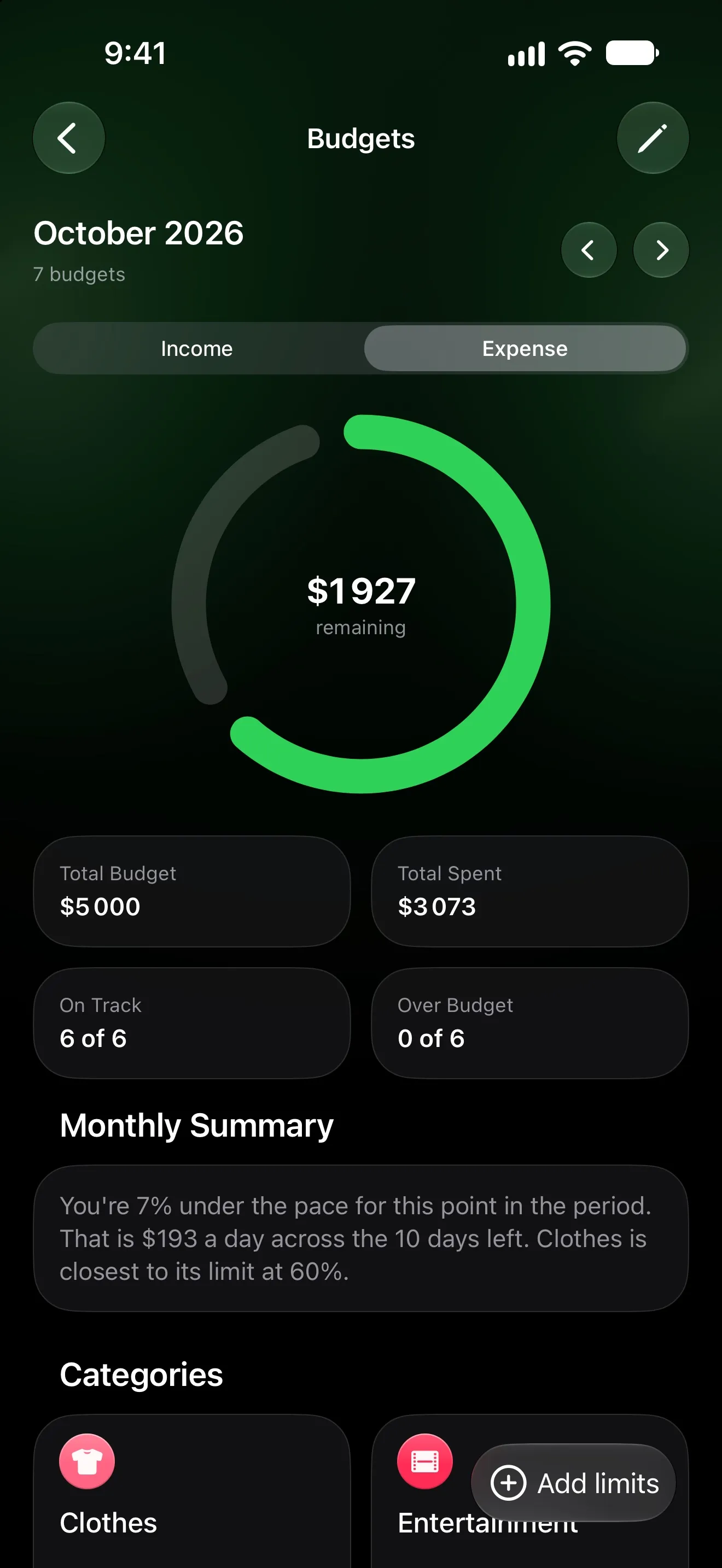
Where your data lives in Lode
Lode has no account and no server that stores your finances.
- Your data is stored on your iPhone and synced through your own iCloud, so it reaches your iPad and survives a lost phone.
- There’s no sign-up, no email, no password to leak.
- The app contains no advertising SDKs, analytics or trackers.
- AI features (Premium) are the one exception: the message you send and a short summary of your figures go to the AI model through a proxy that stores nothing.
Sharing without sharing passwords
Budgeting with a partner usually means one shared login or a shared spreadsheet. In Lode, sharing is per account: share the household account through iCloud, keep your personal accounts to yourself. Nobody hands over a password.
Hand over your phone without the numbers
Showing someone a chart shouldn’t mean showing them your balance. Tap the balance in Lode and every amount is covered until you tap again.
Five questions to ask any finance app
Before you enter a single transaction, it is worth checking:
- Where is my data stored — on my device, in my cloud, or on the company’s servers?
- Do I need an account? Every account is one more password and one more database.
- Who else can read it? Aggregators, AI providers, analytics companies?
- What’s in the app besides the app? Ad and analytics SDKs are listed in the App Store privacy label.
- How do I delete everything? It should be one step, not a support ticket.
Lode’s answers are on one page: Privacy Policy.
More from the Journal
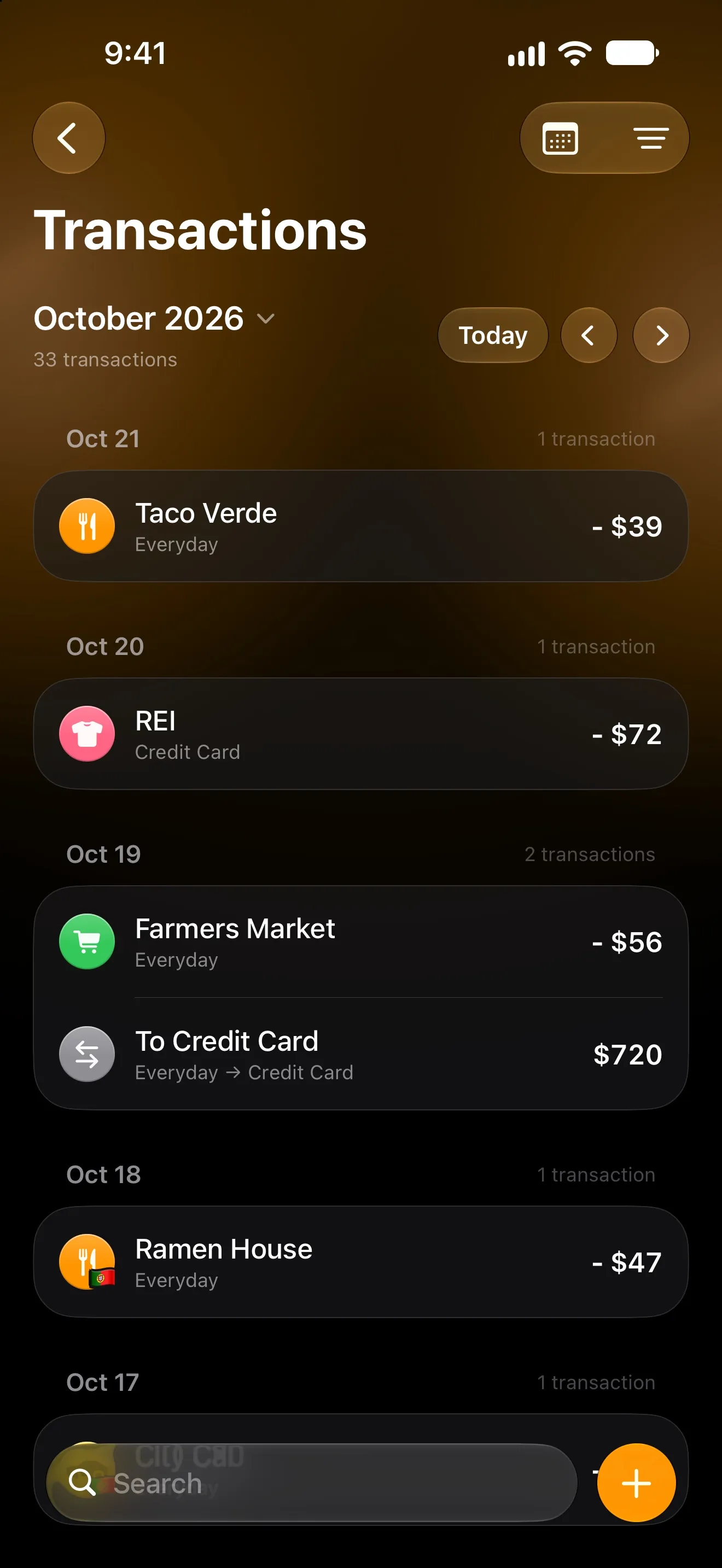
How to Track Expenses Automatically on iPhone
Four ways to log spending on iPhone without typing every purchase: bank sync, Apple Pay automations and the iOS 27 notification trigger — and which to pick.
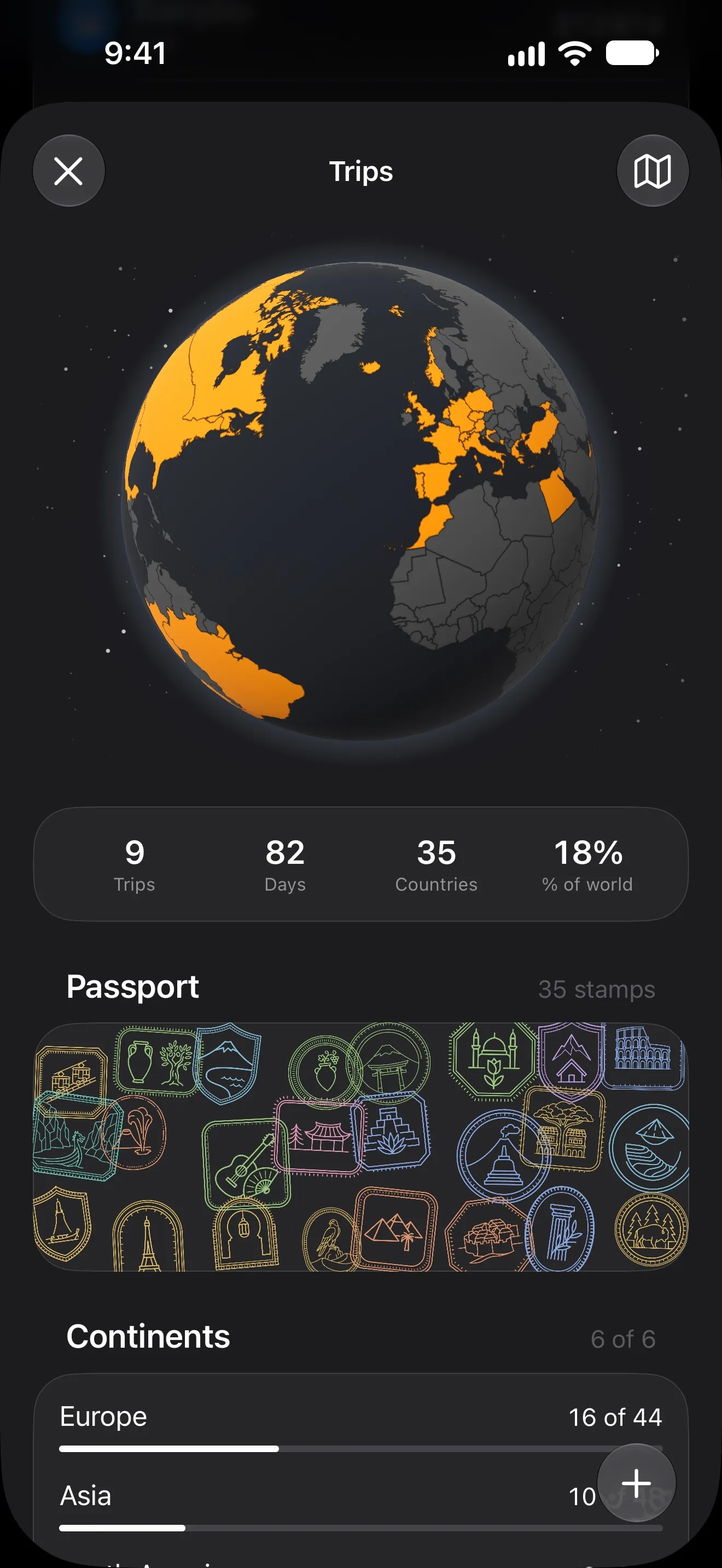
How to Budget for a Trip Abroad (and Know What Each Day Cost)
Set one trip budget, log spending in the currency you pay in, and watch the cost per day as you go. A simple travel money method, and an iPhone app to run it.