

Payday Budgeting: Start Your Month on the Day You Get Paid
If your salary lands on the 25th, a calendar-month budget is always half wrong. How payday budgeting works, and how to set it up on iPhone with one setting.
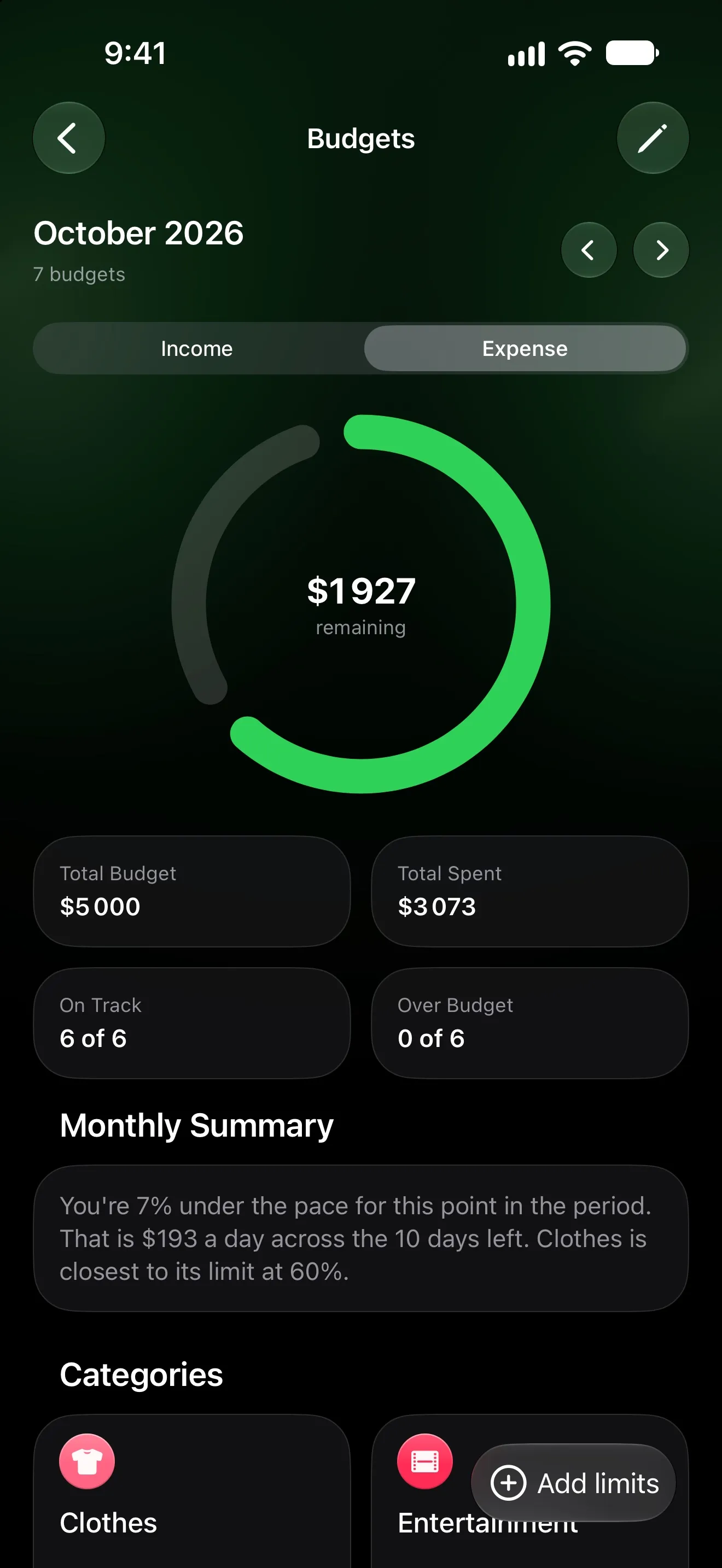
Most budgeting apps start the month on the 1st. Most salaries don’t arrive on the 1st. If you’re paid on the 25th, your “October” budget runs mostly on September’s paycheck, and October’s arrives with a week of the month still to go. The numbers are technically right and practically useless.
Payday budgeting fixes that by starting the budget month on the day the money comes in.
What payday budgeting is
Instead of 1 October to 31 October, your month runs from payday to the day before the next payday — say 25 October to 24 November. Everything that matters to a budget lines up:
- the money you’re spending is the money you just received;
- rent and bills paid right after payday fall in the same month as the salary that covers them;
- “how much is left” means how much is left until the next paycheck.
Set it up in Lode
Open Settings → Start of Month and choose the day your salary arrives. That’s the whole setup.
The whole app follows that choice: budgets, statistics and the home screen all count your month from payday. A few things stay on the calendar on purpose — bill due dates and the transactions calendar keep real calendar months, so a date is always where you expect it.
Build the month in three layers
1. Plan the income. Tell Lode what you expect from each source — salary, freelance, rent you receive. The overall budget can follow that plan, and the Budget screen shows how much has actually arrived.
2. Put the bills in first. Rent, phone, gym, streaming: add them as bills and Lode logs each one on its due date. Free trials get a reminder two days before they turn into a charge. Not sure what you’re subscribed to? Find every subscription first.
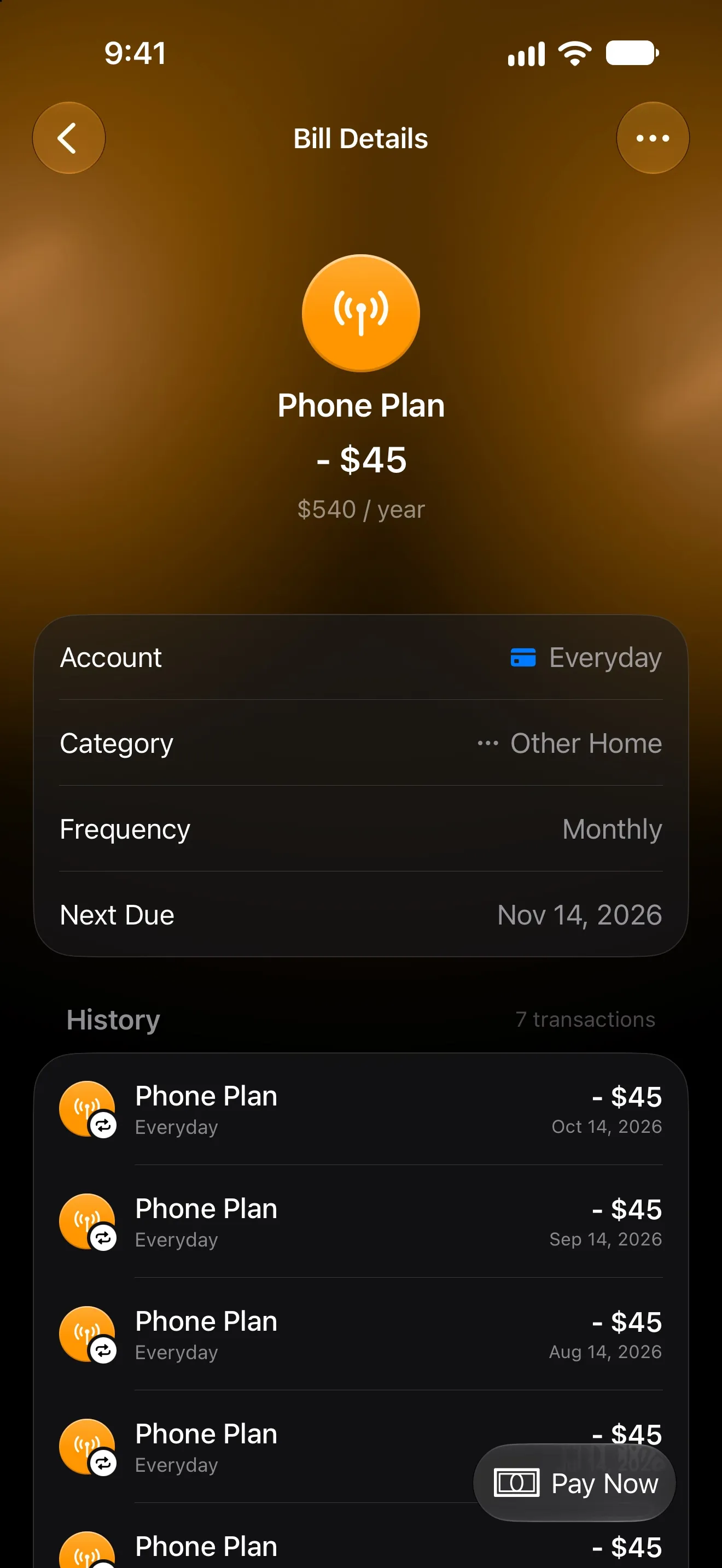
3. Set limits where you overspend. An overall budget for the month, plus limits only for the categories that need watching — groceries, restaurants, clothes. More limits than that become noise.
Watch the pace, not just the total
“$1,927 left” is useful. “$193 a day for the next 10 days” is actionable.
Lode’s Budgets screen turns what’s left into a daily figure and compares your spending with the pace you’d expect at this point in the month — for example, “You’re 7% under the pace for this point in the period.” It also names the category closest to its limit, so you know where to be careful.
When you overspend mid-month
It happens. Three moves, in order:
- Find the category that went over. Usually it is one, not five.
- Borrow from a category with room, not from savings. Raise one limit and lower another so the overall budget stays the same.
- Check next payday’s plan. If the overspend was a one-off (a wedding, a car repair), leave next month alone. If it repeats, the limit was wrong, not you.
Why it works
A budget is a promise about the money you have. Payday budgeting makes “the money you have” literal: the month starts when it arrives and ends when the next one comes. Everything else is the same discipline, just with numbers that finally match your bank balance.
More from the Journal
How to Find Every Subscription You Pay For (and Cancel the Ones You Forgot)
Subscriptions hide in five places, and your iPhone only shows one of them. Here's how to find them all in 20 minutes, cancel safely, and keep the list current.
How to Track Expenses Automatically on iPhone
Four ways to log spending on iPhone without typing every purchase: bank sync, Apple Pay automations and the iOS 27 notification trigger — and which to pick.